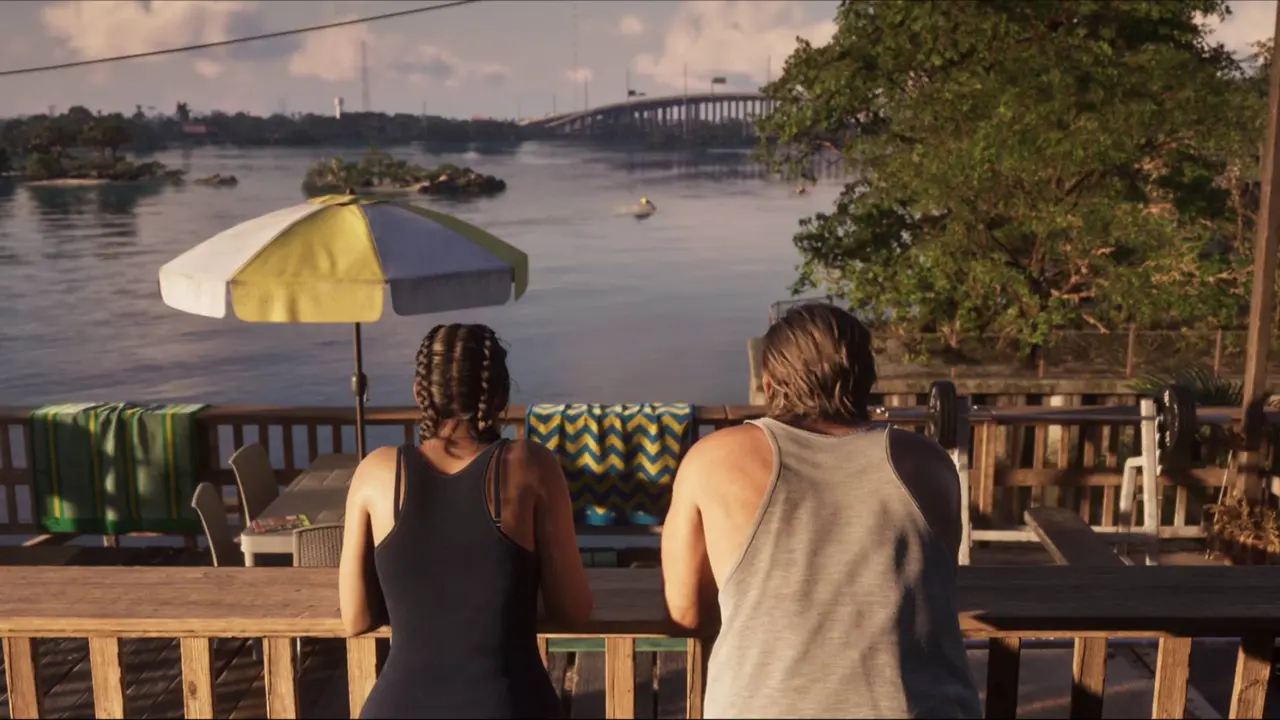
GTA 6 60fps on Xbox Series X: the Quick Resume glitch and its catch
A Quick Resume trick on Xbox Series X with a 120Hz screen breaks GTA 6's 30fps cap and pushes it to 60fps or more, but because the game's speed is tied to its frame rate, gameplay runs at roughly double speed.
Yes, GTA 6 can run at 60fps and above on Xbox Series X, but only through a glitch, and it is not really playable. Toggling the console's refresh rate and then using Quick Resume removes the game's 30fps cap. The problem is that GTA 6 ties its game speed to the frame rate, so as soon as it climbs past 30fps, Jason, Lucia, their animations and the driving all run at roughly double speed. Cutscenes are the exception and look smooth.
The trick was found by Reddit user Meowwie64, who shared it on the r/GTA6unmoderated subreddit a couple of days after launch. Rockstar has not commented on it.
What you need for the GTA 6 60fps glitch
An Xbox Series X, a TV or monitor that supports 120Hz, and GTA 6 on version 01.002.001, the version it was found on. It may still work on later updates, but that has not been confirmed. PS5 and PS5 Pro are out, because the trick depends on Quick Resume, which only exists on Xbox.
How to trigger it on Xbox Series X
1. In the Xbox display settings, set the refresh rate to 60Hz.
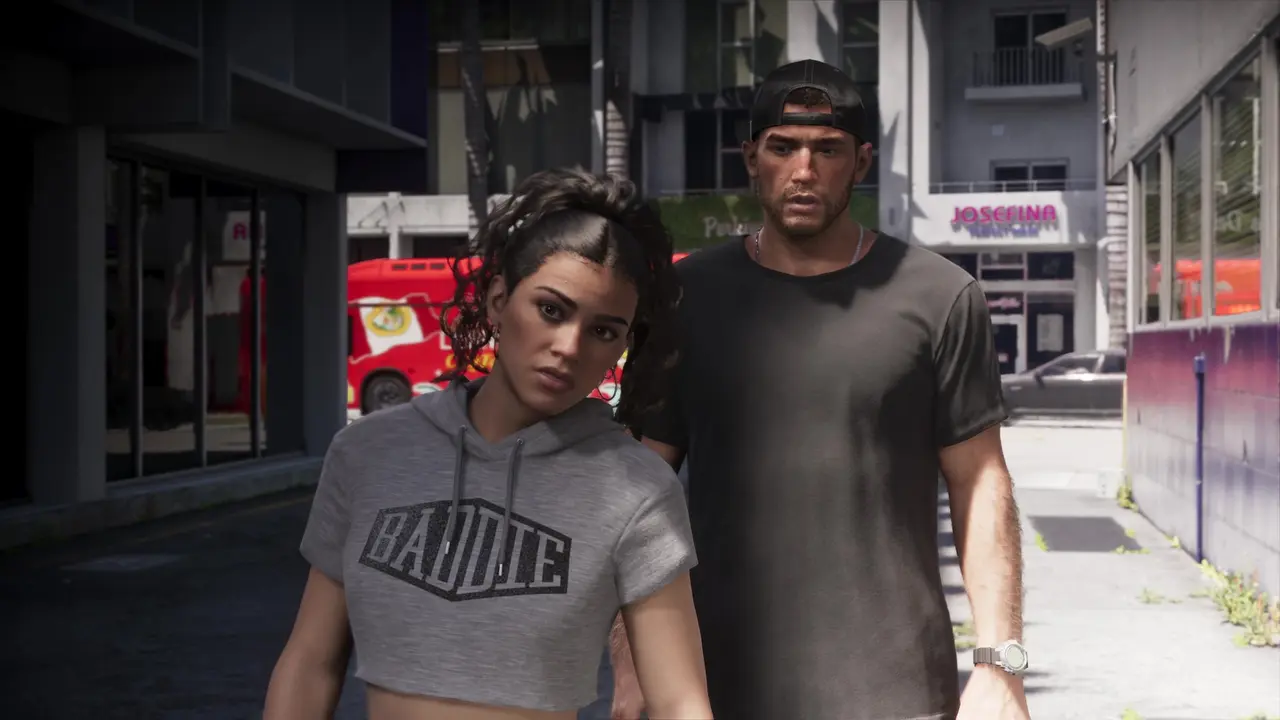
2. Launch GTA 6 and wait for the six-star intro to appear.
3. Switch the display back to 120Hz, with VRR on.
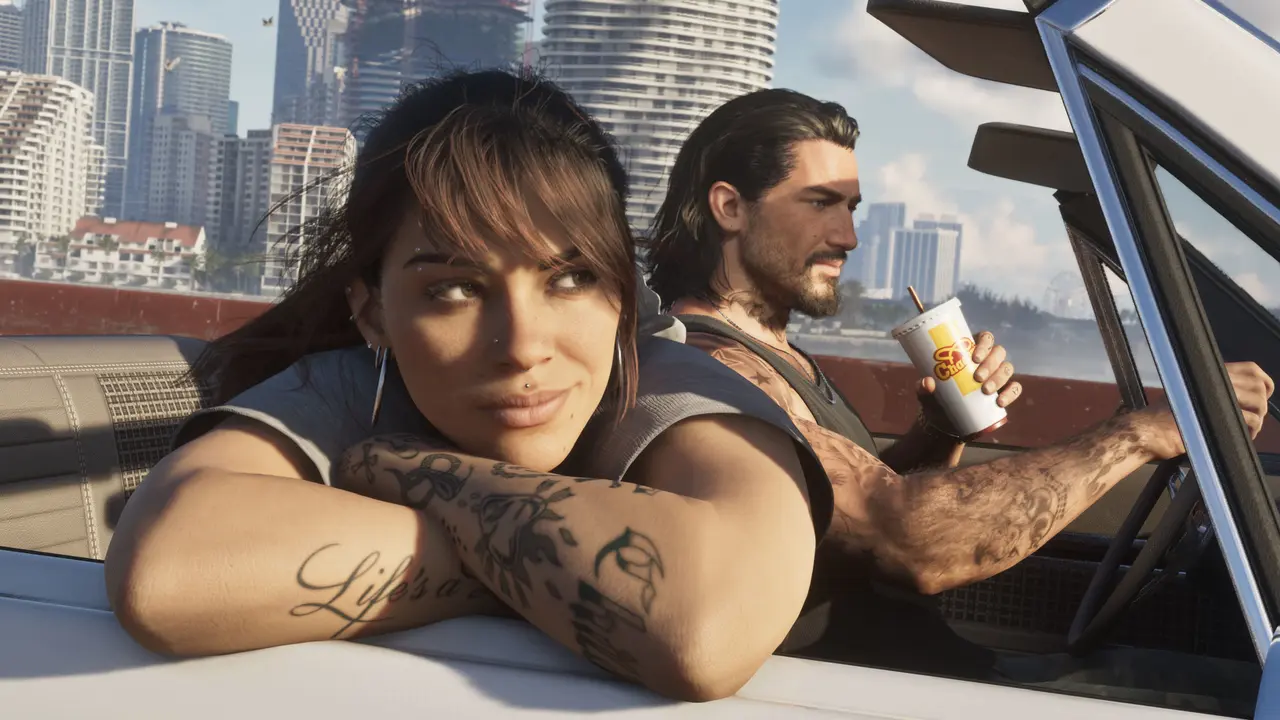
4. Without quitting GTA 6, press the Xbox button to open the Guide and cold boot another game.
5. Go back to GTA 6 through Quick Resume. The frame rate is now unlocked.
Why everything runs at double speed
GTA 6 was built around 30fps, and its animation and game timing are tied to that number. Unlock the frame rate and the simulation speeds up with it: walking, sprinting, animations and car handling all play out at about twice the normal pace, like watching the game on fast forward. Cutscenes keep their normal timing, so they are the one part that genuinely benefits.
The frame rate itself is not stable either. Reported figures sit around 45 to 70fps in the open world and climb higher, up to about 90fps, inside interiors such as Jason's house. So even setting the speed problem aside, it is not a locked 60fps experience.
Does it work on Xbox Series S?
Unconfirmed. Meowwie64 thinks it could work on Series S but could not test it, and while a few players claim to have reproduced it there, none of it is confirmed. Treat it as a Series X trick for now.
How to undo it, and the accidental double-speed bug
Fully quit GTA 6 from the Guide and start it again; the game comes back at its normal 30fps. Some players who tried to reverse the steps instead of closing the game ended up stuck at 15fps, and a full restart fixes that too.
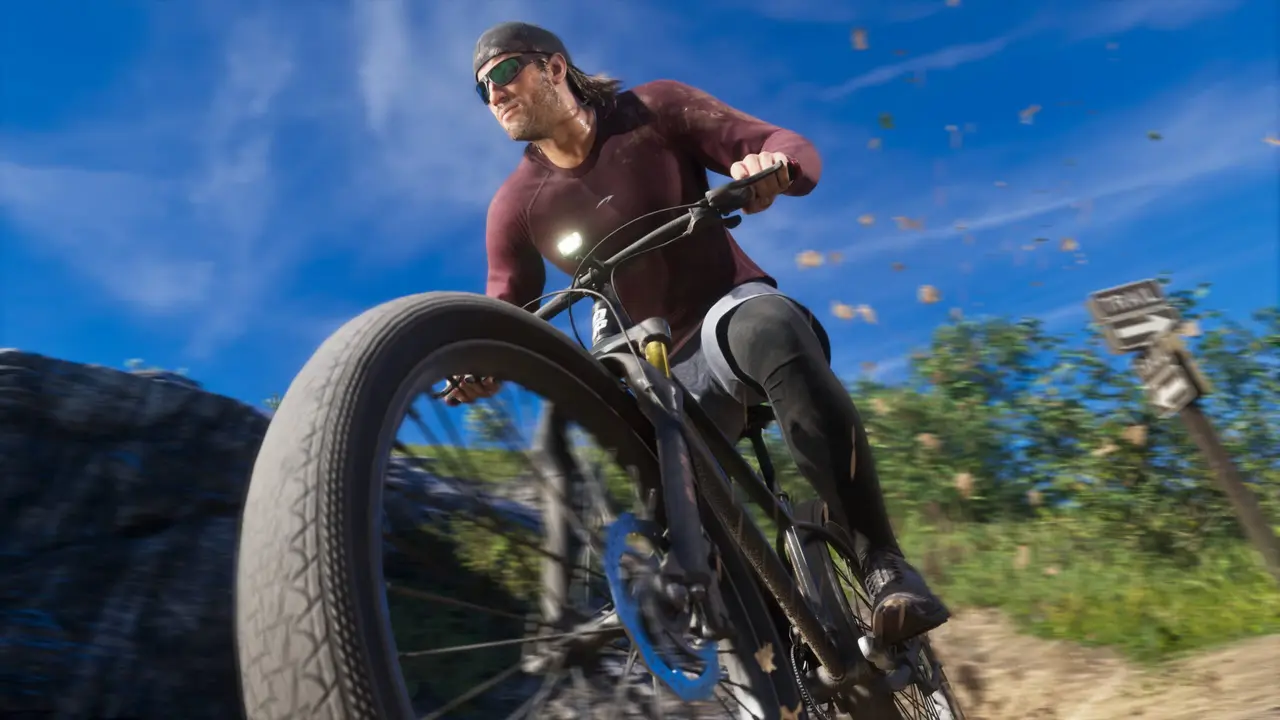
The same issue also shows up by accident. Some Series X owners on 120Hz setups have found Jason or Lucia suddenly moving and driving at double speed without trying any trick, while the rest of the world carries on at normal pace. A full restart fixes it, and setting the console's video output to 60Hz instead of 120Hz seems to stop it coming back.
Will Rockstar patch it, or add a 60fps mode?
There is no patch for the glitch yet and no statement from Rockstar about it. Because it breaks the game's timing rather than adding anything, the likeliest outcome is that a future update closes it rather than turning it into an option.
An official performance mode is not on the cards on current consoles. Rockstar launched GTA 6 with a 30fps target on PS5, PS5 Pro, Xbox Series X and Series S, and Marc Chambers, its technology production director, has said the PS5 Pro's processor is not powerful enough to run the game's complex simulation at higher frame rates.
How GTA 6 performs on Xbox
On Series X, GTA 6 runs at around 1440p and mostly holds its 30fps target, with dips in busy chases and explosions, much like the base PS5. With a 120Hz VRR display it feels slightly smoother than the PS5 version, because the console presents the game inside a 120Hz container. That smooths frame pacing but does not raise the frame rate. Series S outputs at 1080p and often sits between 25 and 30fps, with drops towards 20fps when vehicles are being destroyed. The best console version is the PS5 Pro, with sharper image quality and ray-traced shadows, but it is still a 30fps game there too.