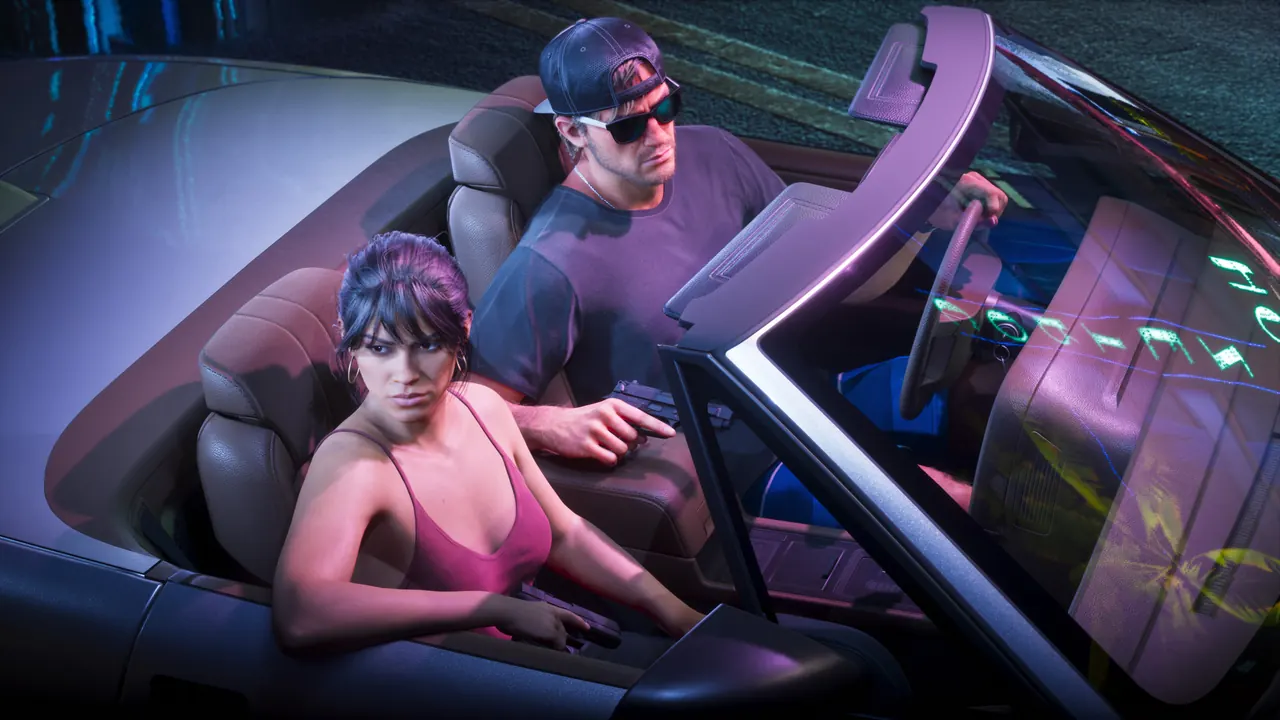
GTA 6 Photo Studio pictures are not in the in-game gallery
Insider Gaming says Photo Studio shots are saved to your console's media gallery, not the in-game phone. Open it with Square on PS5 or X on Xbox.
Insider Gaming explains where GTA 6 Photo Studio pictures end up. You open the Photo Studio from the pause menu, or by pressing Square on PS5 or X on Xbox, set up your shot and hold the confirm button to save it.
The photos do not appear in the in-game smartphone gallery. According to Insider Gaming they are saved to your console's media gallery, outside the game.
On PS5, open the Media Gallery from the home screen, or find it in your Game Library under the M section if your downloads are sorted alphabetically. On Xbox, go to My Games & Apps, then Apps, then Captures.