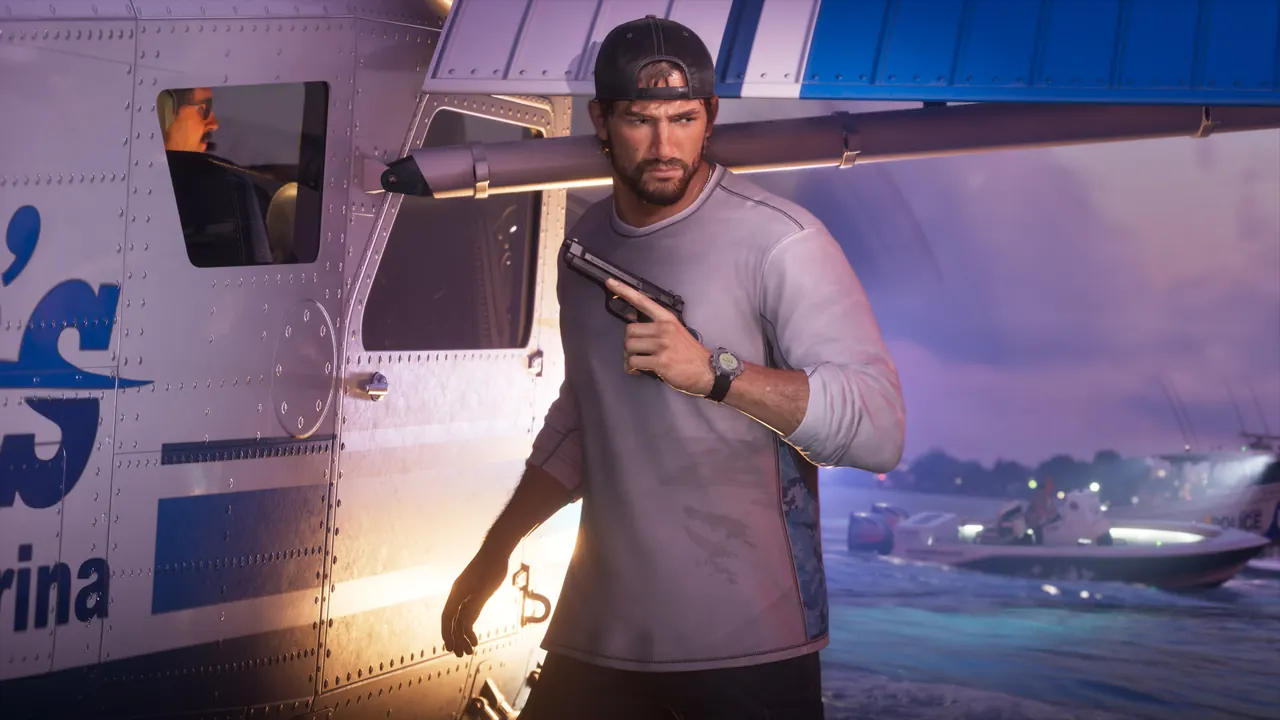
Best GTA 6 settings to change first, according to Insider Gaming and TheGamer
Both outlets suggest less motion blur, camera shake and bob; TheGamer sets the steering dead zone to 7.
Insider Gaming and TheGamer have each listed the settings they would change in GTA 6, and they agree on the basics: make the camera calmer. Insider Gaming suggests lowering motion blur to 0, 1 or 2, reducing Camera Shake and turning Camera Bob off. TheGamer turns motion blur off, disables shake and bob, and sets the steering dead zone to 7 on the analog sticks.
TheGamer adds that players who want more control can lower the stick dead zones and raise camera and aiming sensitivity, without giving values, and notes that some keep motion blur on because it hides stutter when the frame rate drops below 30 during action. The authors say players do not agree on exact values, so experimenting is the advice.
Insider Gaming also says to recheck Brightness, since the first calibration may not be right. On PS5, set the output resolution to the highest option, and on a PS5 Pro turn on PSSR. HDR depends on your screen, so test it before deciding.
One thing that will not help: the game is locked to 30 FPS on all consoles, per Insider Gaming, so enabling 120Hz or VRR makes no difference.